Home / Android TV box
Device recipe
How to set up an Android TV box, the safe way
Start with a certified box, sign in with Google, and install apps from the Play Store.
Prep time15 minDifficultyEasyServes1 TV
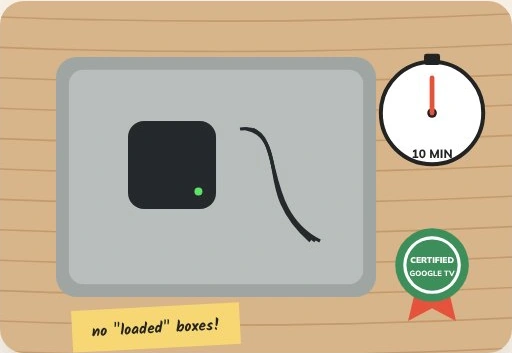
The short version
Use a certified box, connect HDMI and power, sign in and install apps only from the official store.
The recipe
Ingredients
Method
Connect HDMI and power
Switch the TV to the matching input.
Choose your language
Use the box’s remote.
Set up your phone
Use the on-screen option if you prefer.
Sign in with Google
Use your own account.
Install apps from Google Play
Open only official app listings.
Check for updates
Go to Settings, System and About.
Chef’s note · Look for Android TV or Google TV on the packaging. Check app compatibility before buying.
Kitchen questions
What should I try first?
Start with the ingredients for your device. Note the original settings so you can undo one change at a time.
Where should I download apps?
Use the store on your device and check the publisher before installing.